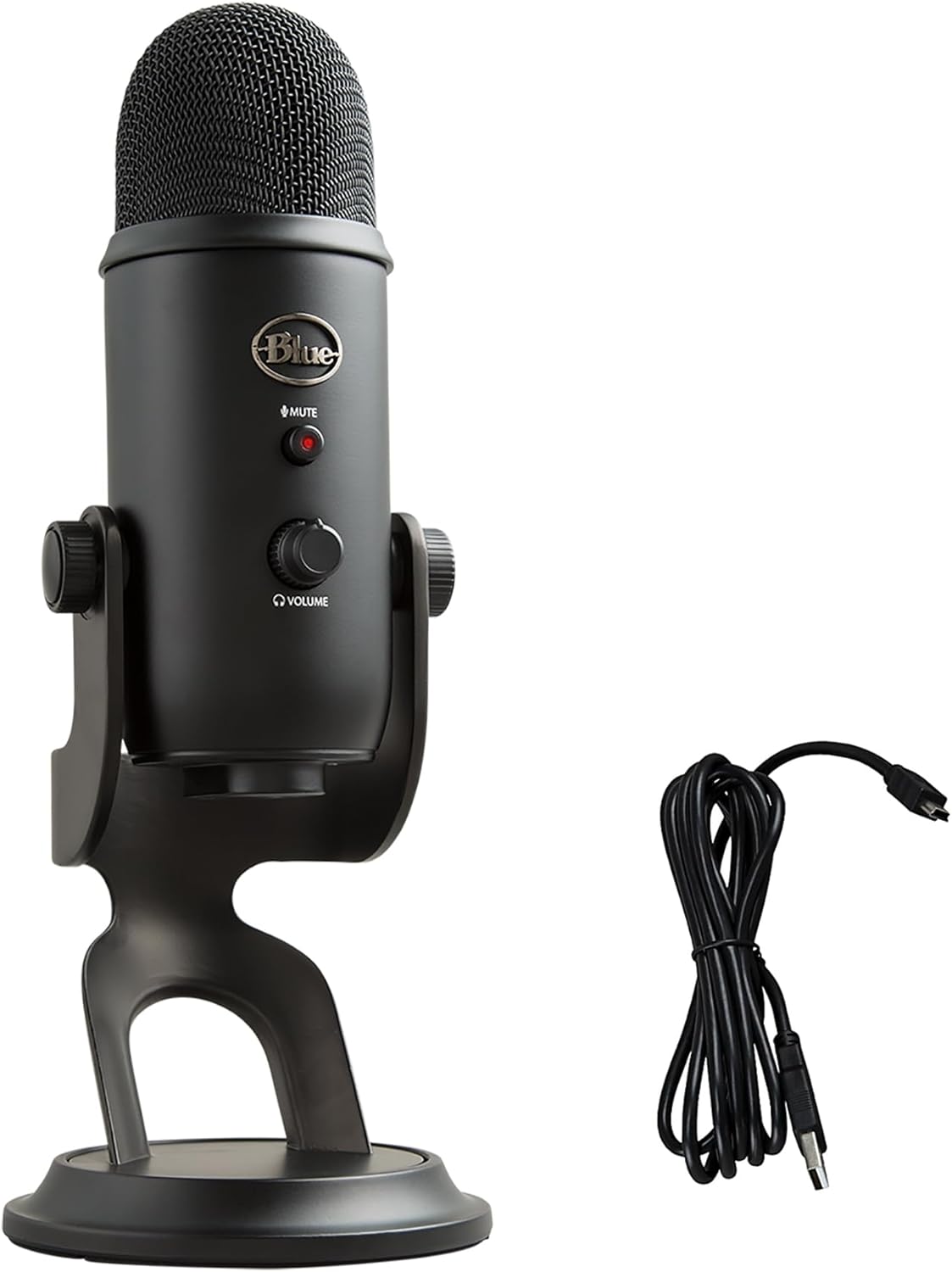
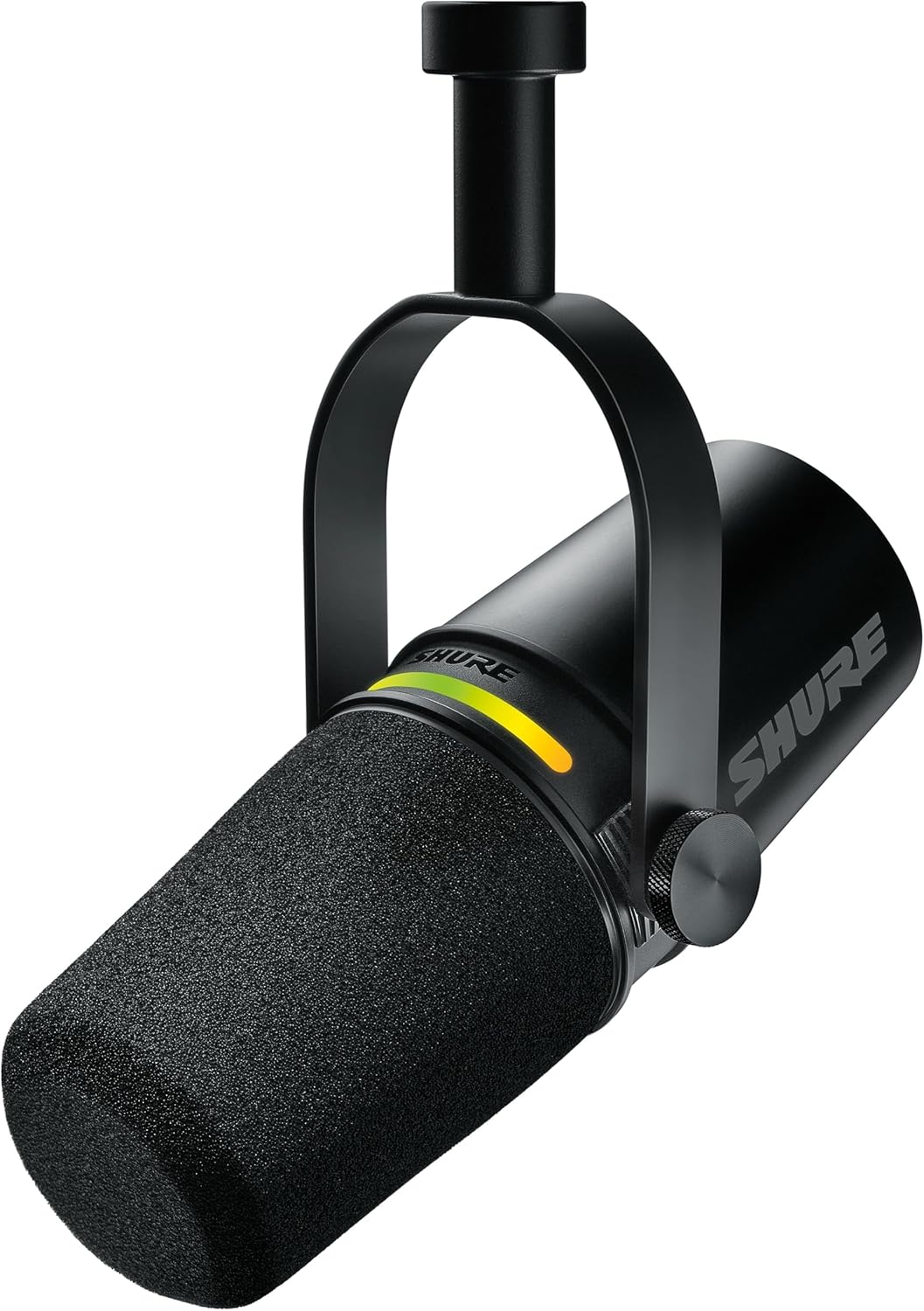
If you’ve spent more than five minutes researching USB microphones, you’ve landed on the same two options everyone else does: the Blue Yeti and the Shure MV7+. They dominate every “best mic” list, show up in every streamer’s setup photo, and get recommended constantly — sometimes interchangeably. But they’re not the same mic, and the right choice depends entirely on what you’re actually doing with it.
I’ve used both. Here’s the honest breakdown.
Quick Verdict
The Shure MV7+ wins for most people. It has better sound quality out of the box, a more forgiving polar pattern that rejects background noise, and a build that feels like it will outlast most computers it gets plugged into. It costs more, but not by much.
The Blue Yeti is still great — especially if you need multiple polar patterns, want a mic that works in multiple configurations, or are on a tighter budget.
Side-by-Side Specs
| Spec | Blue Yeti | Shure MV7+ |
|---|---|---|
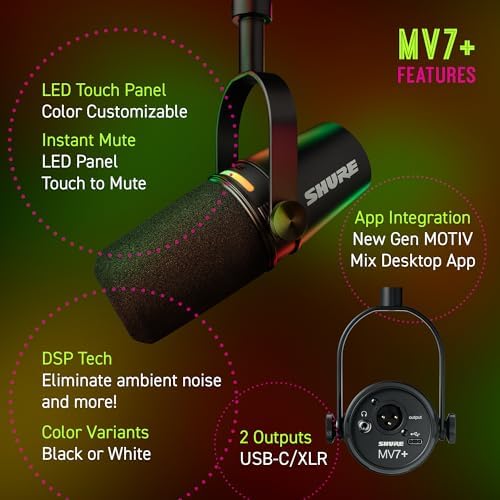
| Connection | USB-A | USB-C + XLR |
| Polar patterns | Cardioid, Bidirectional, Omnidirectional, Stereo | Cardioid only |
| Sample rate | 48kHz / 16-bit | 48kHz / 24-bit |
| Bit depth | 16-bit | 24-bit |
| Headphone monitoring | Yes (zero-latency) | Yes (zero-latency) |
| Onboard controls | Gain, mute, headphone volume | Gain, mute, headphone volume, EQ presets |
| Companion app | Blue VO!CE | ShurePlus MOTIV |
| Price (approx.) | ~$99 | ~$149 |
Sound Quality
This is where the Shure MV7+ pulls ahead.
The MV7+ records at 24-bit depth vs the Yeti’s 16-bit, which gives you more headroom and a noticeably richer, warmer sound. If you’re recording podcast audio or YouTube voiceover that you want to sound professional without spending hours in post-production, the MV7+ gets you there faster.
The Blue Yeti sounds good — genuinely good for its price. But it picks up more room ambiance, more keyboard noise, and more background hum than the MV7+. In a treated room or quiet space, this matters less. In a normal home setup with an HVAC system running and a mechanical keyboard nearby, the difference becomes obvious fast.
Winner: Shure MV7+
Ease of Use
Both are plug-and-play. Connect via USB and they show up as audio devices immediately — no drivers, no setup required.
The Blue Yeti has physical gain and mute controls on the mic itself, along with a headphone jack for zero-latency monitoring. The Shure MV7+ matches all of this and adds a touch panel for gain adjustment and three built-in EQ presets (High Pass, Flat, and Presence Boost) that you can switch between without opening any software.
The ShurePlus MOTIV app gives the MV7+ more precise control — compressor, limiter, EQ adjustments. Blue’s VO!CE app does similar things for the Yeti but has a steeper learning curve and a bloatier interface.
Winner: Tie (MV7+ for simplicity, Yeti for flexibility)
Build Quality
Both are solid, but the Shure MV7+ feels more serious. The MV7+ has an all-metal body that’s clearly built for studio use. It comes with a built-in yoke mount and a sturdy stand thread. The Blue Yeti is mostly plastic with a metal base — it doesn’t feel cheap, but it doesn’t feel like a professional tool either.
If you’re setting this up once and never moving it, either is fine. If you’re traveling with it or worried about longevity, the MV7+ is built better.
Winner: Shure MV7+
Polar Patterns: The Yeti’s Biggest Advantage
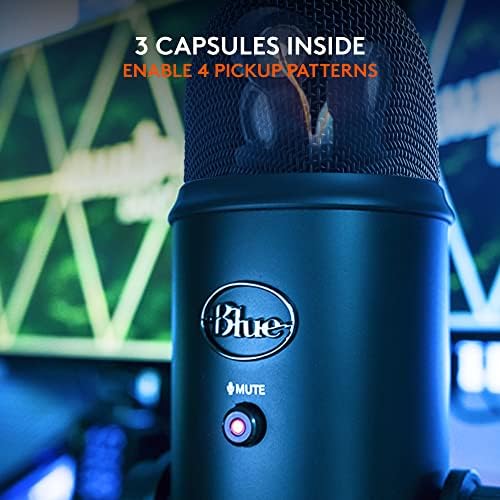
This is where the Blue Yeti has a real edge. The Yeti has four selectable polar patterns: cardioid (standard front-facing), bidirectional (two people facing each other), omnidirectional (picks up sound in all directions), and stereo. This makes it versatile for:
- Recording two people at one mic
- Capturing room ambiance or instruments
- Podcast interviews with a guest sitting across from you
The Shure MV7+ is cardioid only. For most streamers, YouTubers, and solo podcasters this is fine — cardioid is what you want. But if your use case needs more than that, the Yeti is the more capable tool.
Winner: Blue Yeti
XLR Upgrade Path
One future-proofing advantage the MV7+ has: it includes an XLR output alongside USB-C. If you eventually want to upgrade to an audio interface or a more professional recording chain, the MV7+ grows with you. You don’t have to buy a new mic — just a cable and an interface.
The Blue Yeti is USB only. If you outgrow it, you replace it.
Winner: Shure MV7+
Price
The Blue Yeti runs around $99. The Shure MV7+ is around $149. That $50 gap is worth it for most people given the better audio quality and XLR upgrade path. If $99 is your ceiling, the Yeti is still an excellent microphone — you’re making a trade-off, not settling.
Winner: Blue Yeti (on price alone)
Who Should Buy the Blue Yeti
- You need multiple polar patterns
- You’re on a strict budget and $99 is your ceiling
- You want a proven mic with tons of community tutorials
- You’re a beginner who wants flexibility to experiment
Check the Blue Yeti on Amazon →
Who Should Buy the Shure MV7+
- You want the best-sounding USB mic under $150 without tweaking
- You’re in a noisy or untreated room and need better noise rejection
- You want the option to connect to an XLR interface down the road
- You’re recording podcast audio, YouTube voiceover, or professional streaming content
Check the Shure MV7+ on Amazon →
The Verdict
For most people — solo streamers, podcasters, YouTubers, and content creators working from home — the Shure MV7+ is the better buy. It sounds better out of the box, rejects more background noise, and grows with you if you ever want to upgrade your audio setup. The extra $50 is worth it.
The Blue Yeti is still a great microphone. If you need multiple polar patterns or are working with a tight budget, it absolutely holds up. It’s earned its reputation — it’s just not the top pick here.
Frequently Asked Questions
Frequently Asked Questions
Is the Shure MV7+ better than the Blue Yeti?
For most use cases, yes. The MV7+ has better noise rejection, 24-bit audio depth, and an XLR output for future upgrades. The Blue Yeti wins on polar pattern flexibility and price.
Can I use the Shure MV7+ without XLR?
Yes. The MV7+ connects via USB-C and works as a plug-and-play USB microphone. The XLR port is there if you want it, but you don’t have to use it.
Is the Blue Yeti good for streaming?
Yes. The Blue Yeti is one of the most popular streaming microphones available and works well in most setups. In noisier environments, the Shure MV7+ will perform better.
Do I need an audio interface for the Shure MV7+?
No. The MV7+ works standalone via USB-C. An audio interface is only needed if you want to use the XLR connection.
Which microphone is better for a home studio?
The Shure MV7+ is better suited to home studio use because its tighter cardioid pattern rejects more room noise. If your room is acoustically treated, the difference is smaller.