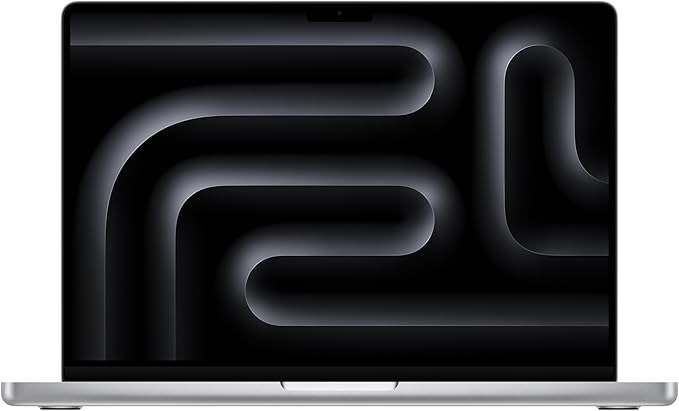
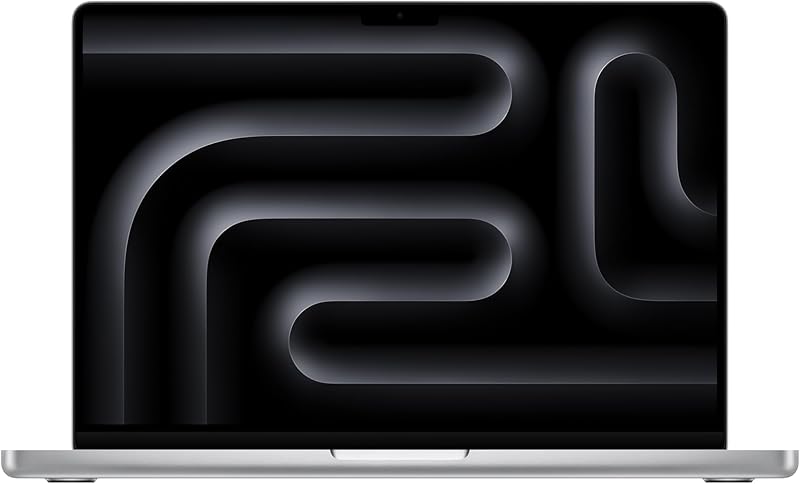
MacBook Pro M3 — Best Overall for Video Editing
The M3 MacBook Pro is the best video editing laptop available at its price point, full stop. ProRes hardware acceleration, 22-hour battery life, and fanless performance under heavy load. If you edit video seriously, this is the answer. ✅ Pros: Unmatched performance-per-watt, ProRes video acceleration, stunning Liquid Retina XDR display ⚠️ Cons: Premium price, macOS only → Check Price on Amazon
MacBook Air M2 — Best Lightweight Creator Laptop
The most popular creator laptop for a reason: completely fanless, 18-hour battery, and enough M2 processing power for most editing workflows in a package under 3 lbs. The everyday workhorse. ✅ Pros: Fanless and silent, all-day battery, ultra-portable ⚠️ Cons: Thermal throttling on sustained heavy exports → Check Price on Amazon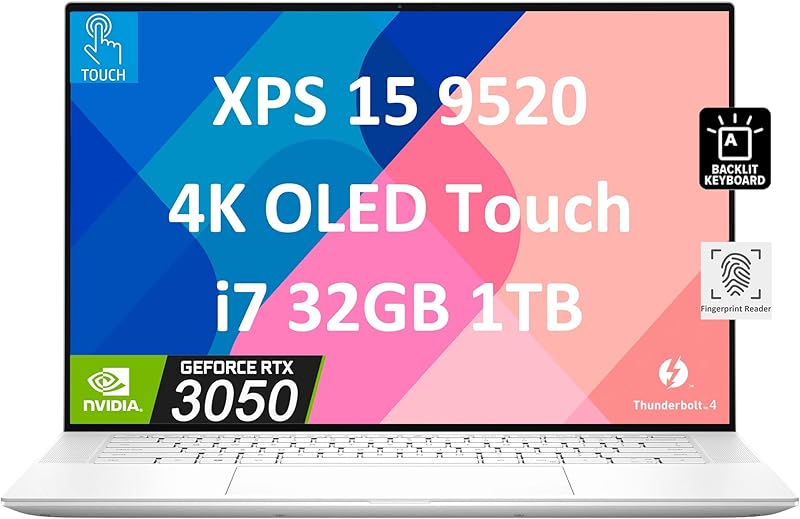
Dell XPS 15 — Best Windows Editing Laptop
The OLED-equipped XPS 15 is the Windows benchmark for creative work. The 3.5K OLED panel is genuinely stunning for color grading, and Thunderbolt 4 connects any external workflow you need. ✅ Pros: Stunning OLED display, Thunderbolt 4, excellent build quality ⚠️ Cons: Battery life shorter than MacBooks → Check Price on Amazon
ASUS ROG Zephyrus G14 — Best Gaming/Creator Hybrid
RTX 4060 handles GPU-accelerated rendering in DaVinci Resolve and After Effects with ease, all inside a compact 14-inch chassis. The creator/gamer hybrid that actually delivers on both promises. ✅ Pros: RTX 4060, compact 14″ form factor, excellent thermal management ⚠️ Cons: Gaming aesthetic not for everyone → Check Price on Amazon
ASUS ProArt Studiobook 16 — Best Pro Creator Machine
Built from the ground up for professional creative work. Factory-calibrated PANTONE-validated OLED panel, RTX 4070, and a physical Dial controller for frame-by-frame editing control. No compromises. ✅ Pros: Factory-calibrated OLED, hardware Dial controller, RTX 4070 ⚠️ Cons: Heavy at 4.4 lbs → Check Price on AmazonAs an Amazon Associate we earn from qualifying purchases at no extra cost to you.
How we chose
We compared over 12 laptops across video export performance, display quality, battery life, portability, and value. Our picks prioritize real editing workflows — 4K timelines, color grading, and multi-track audio — not synthetic benchmarks. The Review Roundup is reader-supported. When you buy through links on our site, we may earn an affiliate commission. Our picks are based on independent research — we never let commission rates influence our recommendations.Frequently Asked Questions
What specs do I need in a laptop for video editing?
For 1080p editing, you need at minimum 16GB RAM, a modern CPU (Intel i7 12th gen+ or Apple M-series), and ideally a dedicated GPU. For 4K editing, 32GB RAM and a strong discrete GPU make a significant difference. An SSD is essential — avoid any video editing laptop with a traditional hard drive.
Is the MacBook Pro the best laptop for video editing?
The MacBook Pro with Apple M-series chips (M3 Pro or M3 Max) is the best laptop for video editing in terms of performance-per-watt and export speed. It handles 4K timelines with low fan noise and excellent battery life. For Windows users, Lenovo ThinkPad X1 Extreme and ASUS ProArt are strong alternatives.
What’s the best video editing laptop under $1,000?
The Apple MacBook Air M2 at around $999 is the best all-around pick under $1,000 — handles 1080p and light 4K editing flawlessly, runs completely silent, and gets 12–15 hours of real-world battery. For Windows, the Acer Swift X or Lenovo IdeaPad Slim 5 with a dedicated GPU hit the performance-value sweet spot in the $750–$950 range.
Do I need an external GPU for video editing?
Most content creators don’t. Modern laptops with dedicated GPUs handle 1080p and 4K editing comfortably. An eGPU makes sense only if you already have a capable laptop but want desktop-level rendering for heavy 3D work — and the cost is usually better spent on a laptop upgrade.