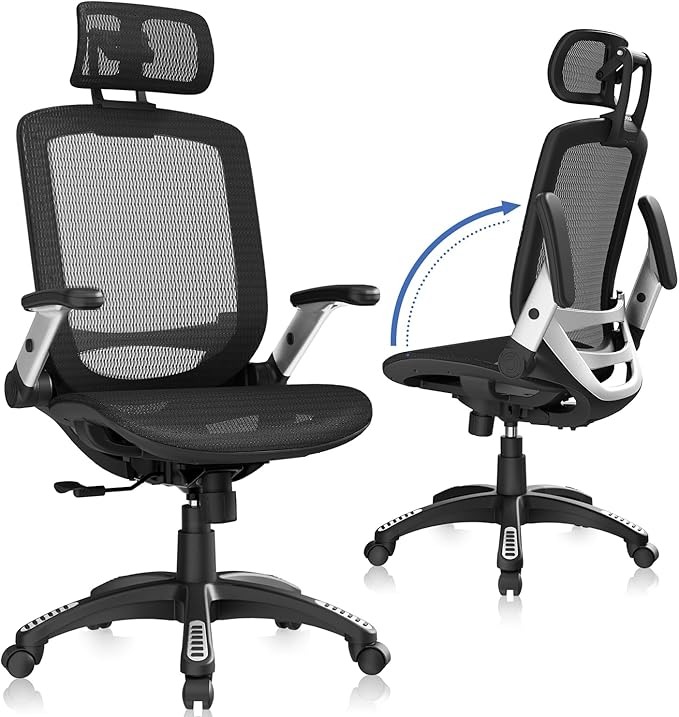
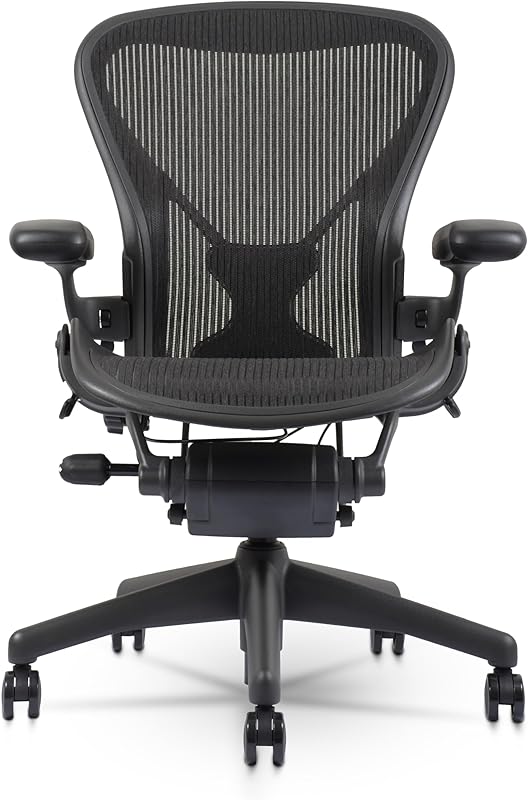
Herman Miller Aeron — Best Premium Ergonomic Chair
PostureFit SL supports both your sacrum and lumbar simultaneously. The 8Z Pellicle mesh breathes so well you’ll forget you’re sitting in it. Built to last 30+ years. This is the chair every creator aspires to own. ✅ Pros: Best-in-class lumbar support, breathable mesh, 12-year warranty, holds resale value ⚠️ Cons: Expensive — treat it as a lifetime investment → Check Price on Amazon
Steelcase Leap V2 — Best for Long Sessions
LiveBack technology flexes with your spine as you shift positions throughout the day. The most adaptive chair for people who move constantly during long creative sessions. Tied with the Aeron at the top of the ergonomic market. ✅ Pros: LiveBack flex technology, highly adjustable, 12-year warranty ⚠️ Cons: No headrest included standard → Check Price on Amazon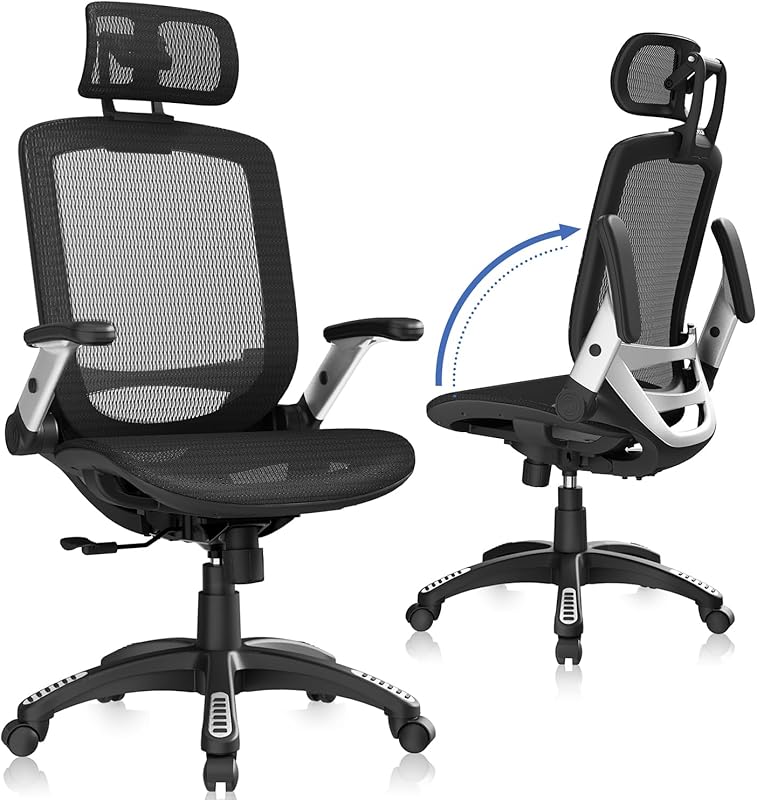
GABRYLLY Ergonomic Chair — Best Under $300
Full ergonomic adjustability at a fraction of premium prices. Adjustable lumbar support, flip-up armrests, and a breathable mesh back deliver most of what the premium chairs offer at a much lower entry point. ✅ Pros: Full ergonomic adjustments, breathable mesh, excellent value ⚠️ Cons: Assembly instructions could be clearer → Check Price on Amazon
Secretlab TITAN Evo — Best Gaming-Style Chair
In a different league from typical gaming chairs. Cold-cure foam, magnetic memory foam lumbar pillow, and magnetic armrest covers make this genuinely ergonomic despite the racing aesthetic. ✅ Pros: Premium build for a gaming chair, magnetic accessories, cold-cure foam ⚠️ Cons: High-back design not ideal for all heights → Check Price on Amazon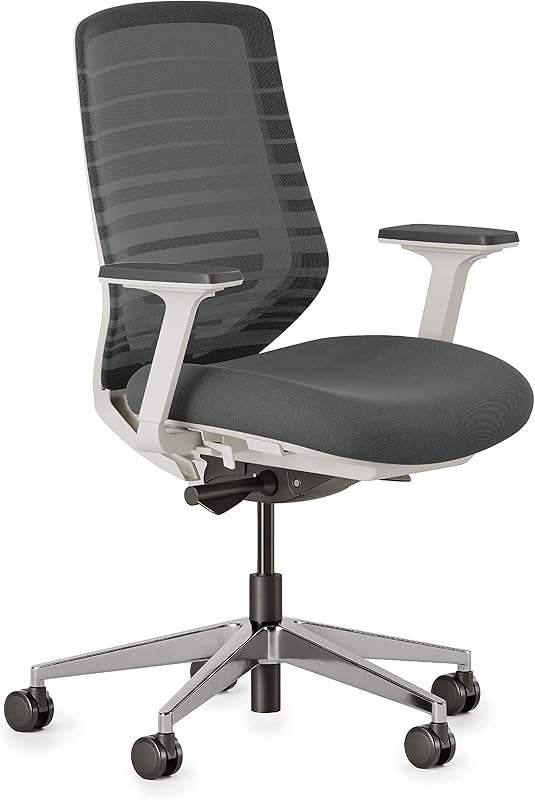
Branch Ergonomic Chair — Best Direct-to-Consumer Value
Branch cuts out retail markup entirely. The result is Herman Miller-level adjustability at a significantly lower price, backed by a 10-year warranty and free shipping direct to your door. ✅ Pros: 10-year warranty, multiple color options, competitive price ⚠️ Cons: Newer brand with shorter track record → Check Price on AmazonAs an Amazon Associate we earn from qualifying purchases at no extra cost to you.
How we chose
We compared over 10 ergonomic chairs across lumbar support quality, adjustability, breathability, warranty length, and long-session comfort. Our picks range from under $200 to premium, because back support matters at every budget. The Review Roundup is reader-supported. When you buy through links on our site, we may earn an affiliate commission. Our picks are based on independent research — we never let commission rates influence our recommendations.Frequently Asked Questions
What makes a chair ergonomic?
A truly ergonomic chair adjusts to fit your body rather than forcing you to adapt to it. Key features include adjustable seat height (feet flat on floor), lumbar support with adjustable position and depth, armrests that move in multiple directions, and seat depth adjustment (2–4 fingers between the seat edge and the back of your knee).
How much should I spend on an ergonomic office chair?
A quality chair starts around $200–$350 from brands like Branch, Autonomous, or Flexispot. Classic high-end options (Herman Miller Aeron, Steelcase Leap) run $1,200–$1,600 new but can be found used for $300–$600 and last 10–15 years. If you work from home full-time, a good chair is one of the best investments you can make.
Are gaming chairs good for long work sessions?
Generally no — gaming chairs are designed for gaming posture (reclined, arms at sides) rather than upright office work. They tend to have bucket seat designs that restrict movement and often lack meaningful lumbar adjustability. A mid-range ergonomic task chair will almost always be more comfortable for 6–8 hour sessions.
How do I know if my office chair fits me correctly?
Three quick checks: your feet rest flat on the floor with knees at roughly 90°; the lumbar support hits the natural curve of your lower back at about belt-line height; and armrests support your elbows without forcing your shoulders up or down. If you’re perching on the edge to reach your keyboard, your seat is too deep.